



Description
Banner Overview
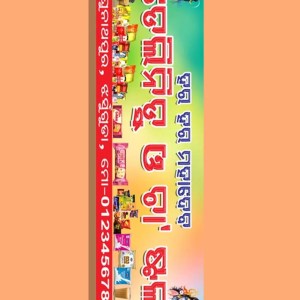
This ATMA Banner PSD Template is specially designed for the Within-State Residential Training Programme for Farmers, focusing on sustainable agriculture, eco-friendly farming practices, and the use and management of bio-inputs in organic vegetable cultivation. The design reflects the core values of modern agriculture—awareness, education, and sustainability—making it highly suitable for government-supported programs, farmer training camps, and agricultural outreach initiatives.
With its large-format layout, the banner ensures excellent visibility at farmer gatherings, training sessions, exhibitions, Krishi Melas, and field-level agricultural events. The clear typography and structured content layout allow farmers to easily understand the program details even from a distance.
Download & Use This PSD Template Easily
This Farmers’ Training Programme banner PSD is created to be user-friendly, even for those with basic Photoshop knowledge. Follow the simple steps below to download and customize the banner for your specific agricultural event.
Step 1: Download the PSD File
The banner design is provided in a ZIP file format with an approximate file size of 81 MB. Before downloading, ensure that your device has sufficient storage space to avoid interruptions.
Step 2: Extract the ZIP File
After downloading, extract the ZIP file using popular and free tools such as 7-Zip or WinRAR. These applications make the unzipping process quick and hassle-free.
Step 3: Open the PSD in Adobe Photoshop
Once extracted, open the PSD file in Adobe Photoshop. The file contains well-organized and clearly labeled layers, allowing smooth and efficient editing.
Step 4: Customize Event Information
You can easily update important event details such as:
-
Programme name
-
Date and duration
-
Block and district details
-
Organizing authority information
The template uses clean serif fonts, carefully chosen for clarity and long-distance readability in outdoor settings.
Step 5: Replace or Add Images
If required, you can replace the default images with photos relevant to your:
-
Local farming community
-
Training sessions
-
Crops, fields, or organic practices
Simply select the image layers and insert your preferred visuals without disturbing the overall design structure.
Step 6: Save & Export for Printing
After completing your customization, save the file and export it in your preferred format—JPEG, PNG, or PDF. The banner is print-ready and can be sent directly to your local printing service for high-quality output.


Reviews
There are no reviews yet.